Private, not just “private mode”.
No cloud, no account, no telemetry. Face recognition, search and organisation all happen on your own hardware. The app makes no external connections during normal use.
How privacy worksLocal-first photo management for Windows 11
Picasa and Windows Live Photo Gallery gave us fast, private, local photo libraries. Live Gallery brings that back for Windows 11 — with face recognition, tags, search and RAW support that never leave your PC.
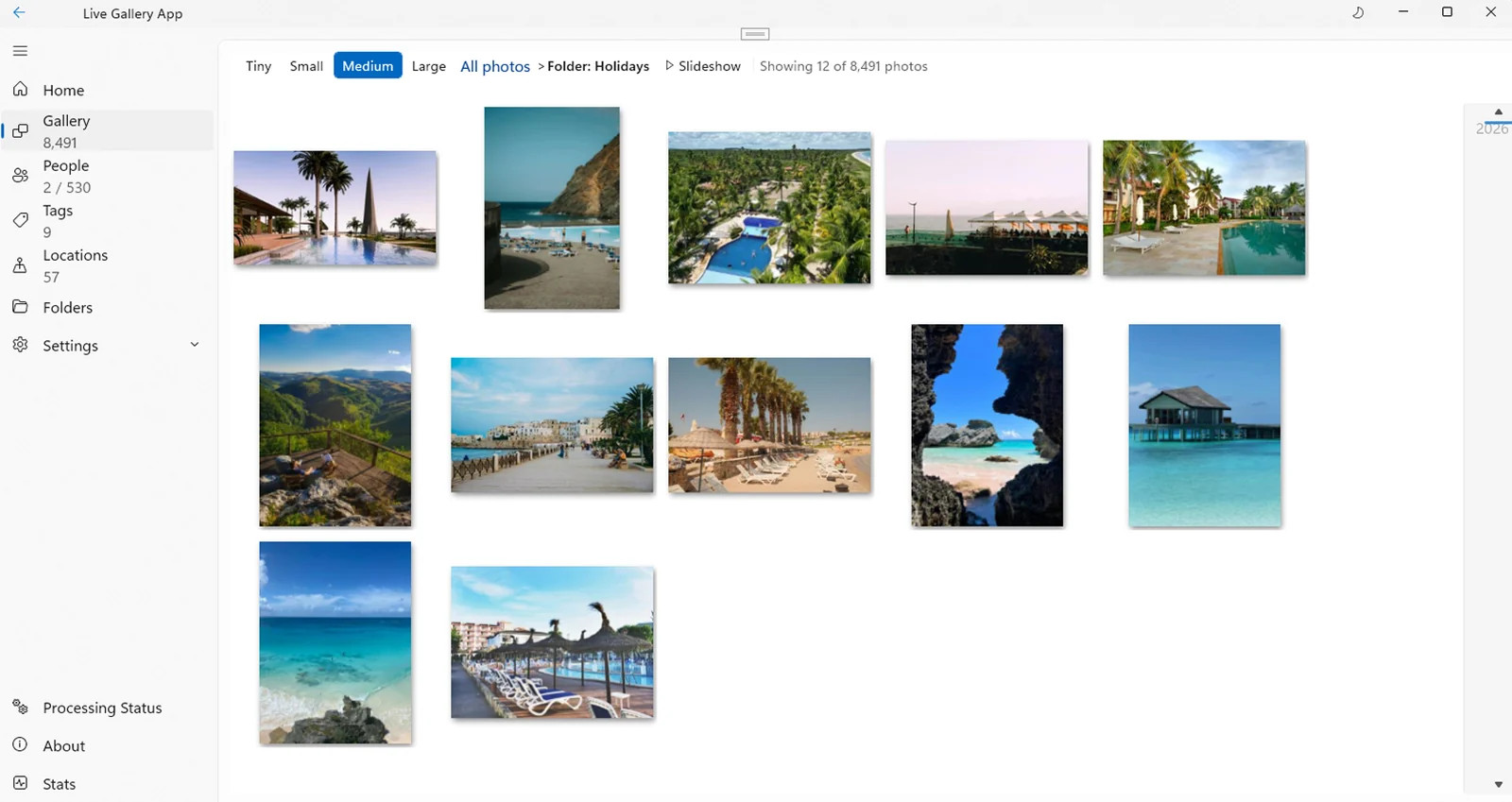
Built on the bones of the tools you remember — without the cloud in the middle.
The problem
Somewhere between Picasa and the cloud, photo management stopped feeling like yours. Monthly fees, upload queues and a server deciding what happens to your memories.
Live Gallery is a return to the thing that worked: a fast local library, on your PC, under your control. No account. No upload progress bar. Point it at a folder and it gets to work.
No cloud, no account, no telemetry. Face recognition, search and organisation all happen on your own hardware. The app makes no external connections during normal use.
How privacy worksIf you organised photos in Windows Live Photo Gallery, your people and tags are still sitting inside those files. Live Gallery reads them and brings the library back.
About migrationThe beta is capped at 5,000 images while performance is refined. The same engine is built to handle libraries well beyond that, up to unlimited on the top tier.
See the tiersThe essentials, rebuilt
Not a greatest-hits list bolted onto a cloud service. The daily essentials — people, tags, search, formats and a fast grid — designed around a library that lives on your drive.
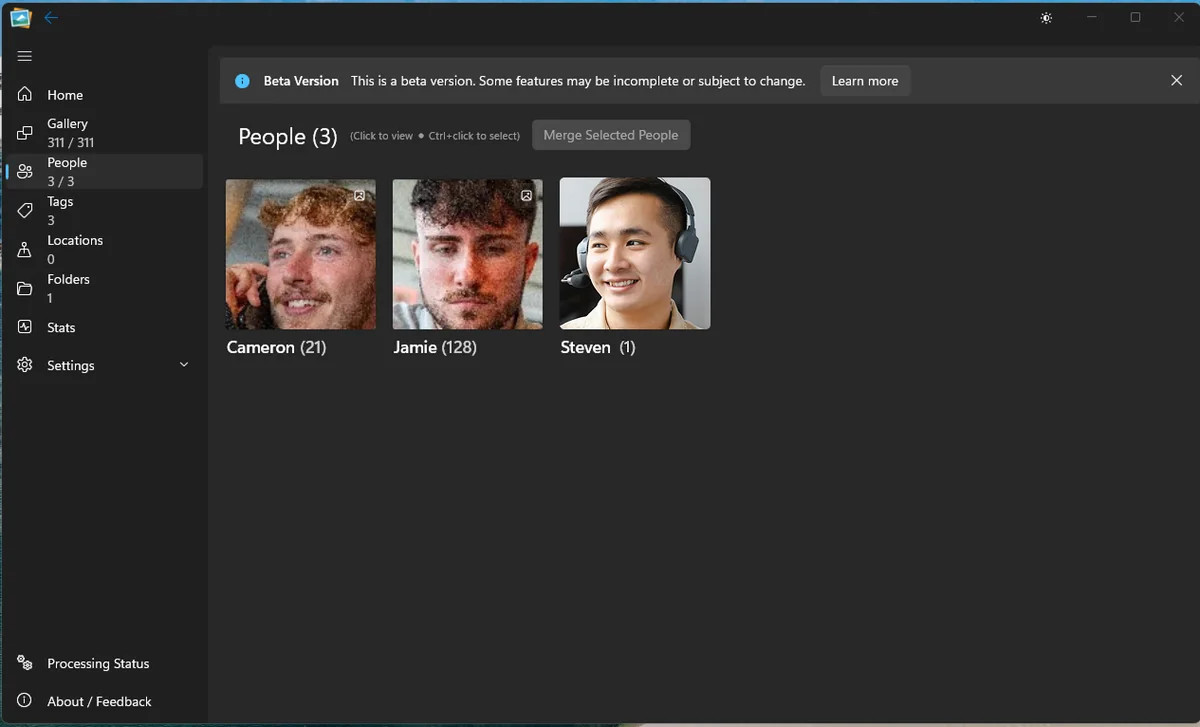
People
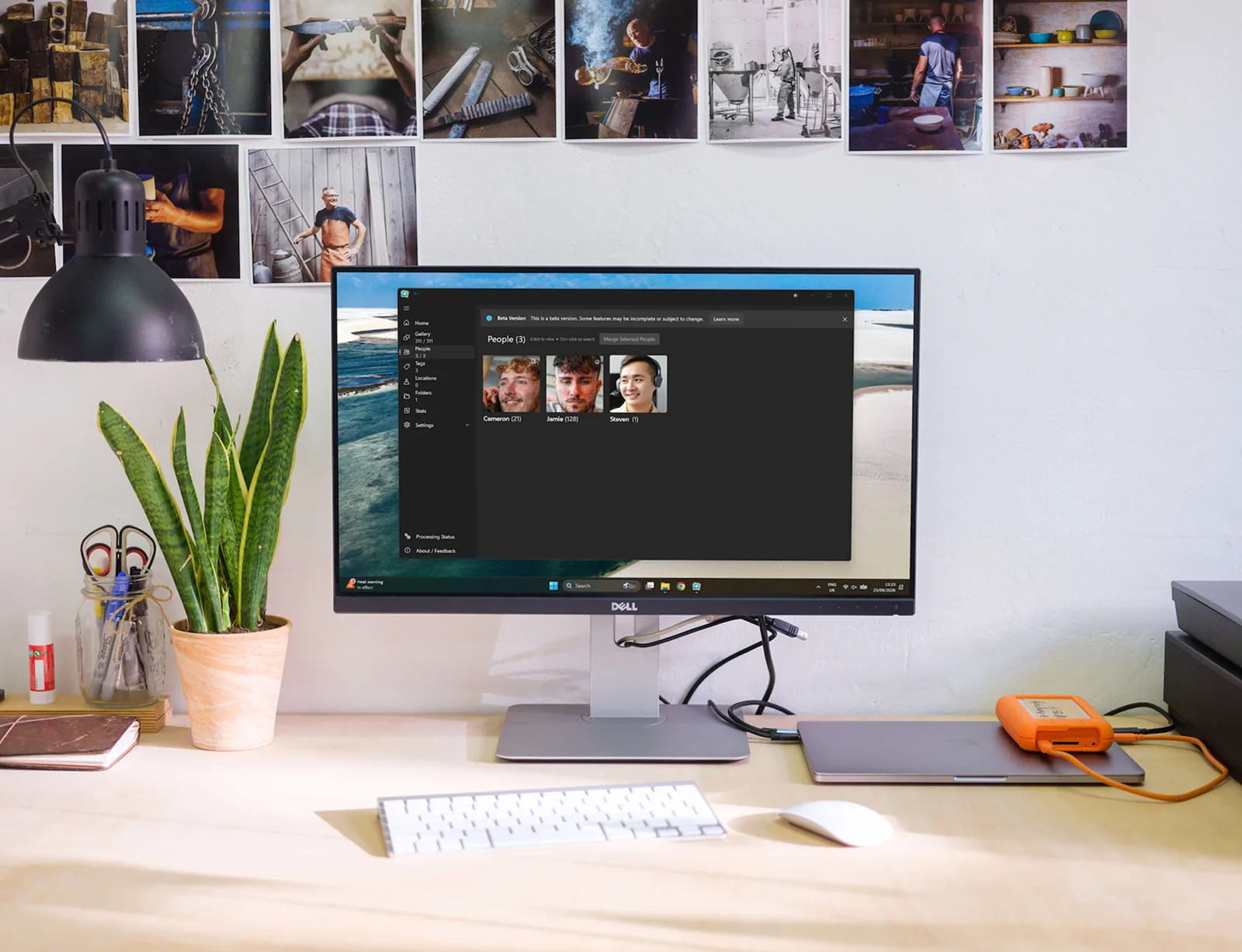
Live Gallery groups faces on your machine — no internet round trip and no cloud face database. Tag someone once and find every photo they appear in.
Tags & albums
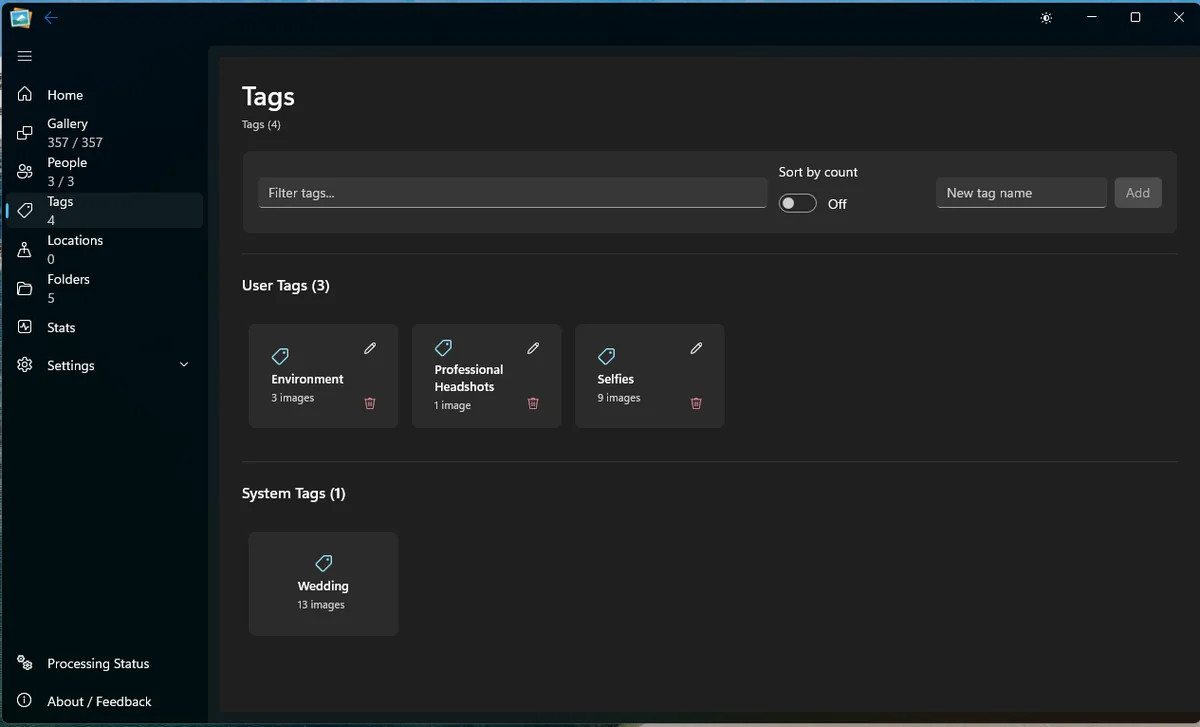
Tags, albums, ratings and folders work together. Your system stays legible, whether you inherited it from another app or built it yourself.
Search
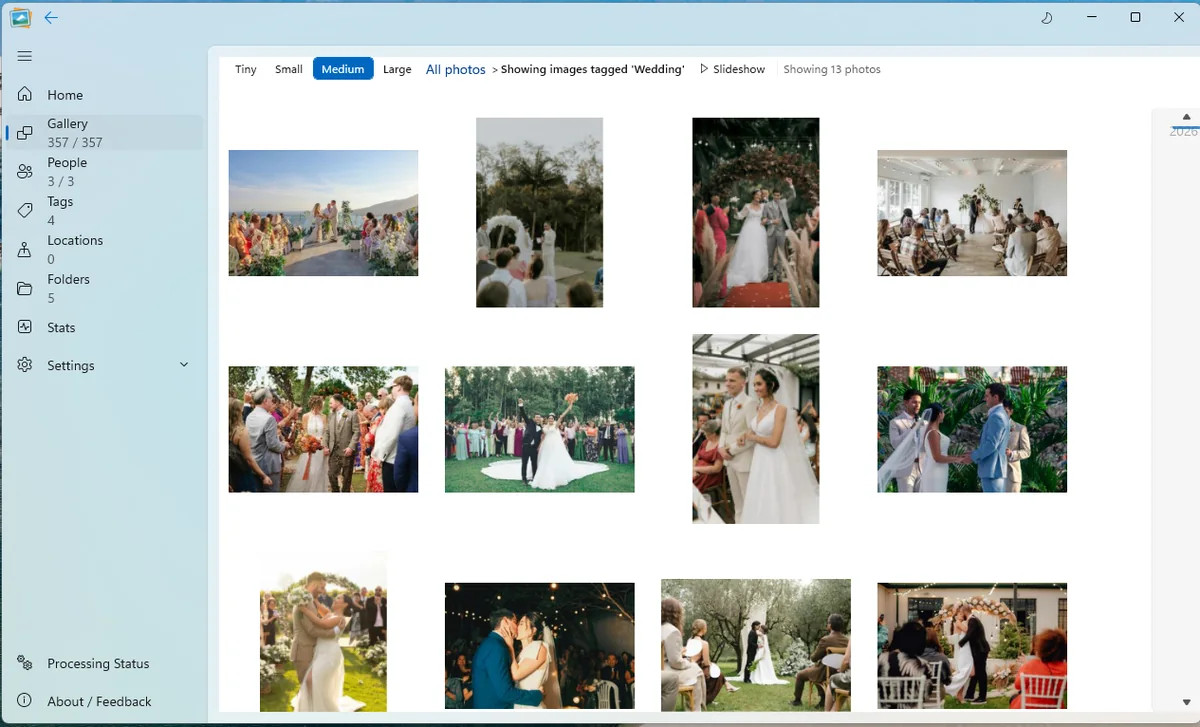
Filter by person, tag, folder or date. Results land immediately, because the index is already on your machine.
Appearance
Light and dark modes, with Mica materials that pick up the tone of your desktop instead of fighting it.
Formats
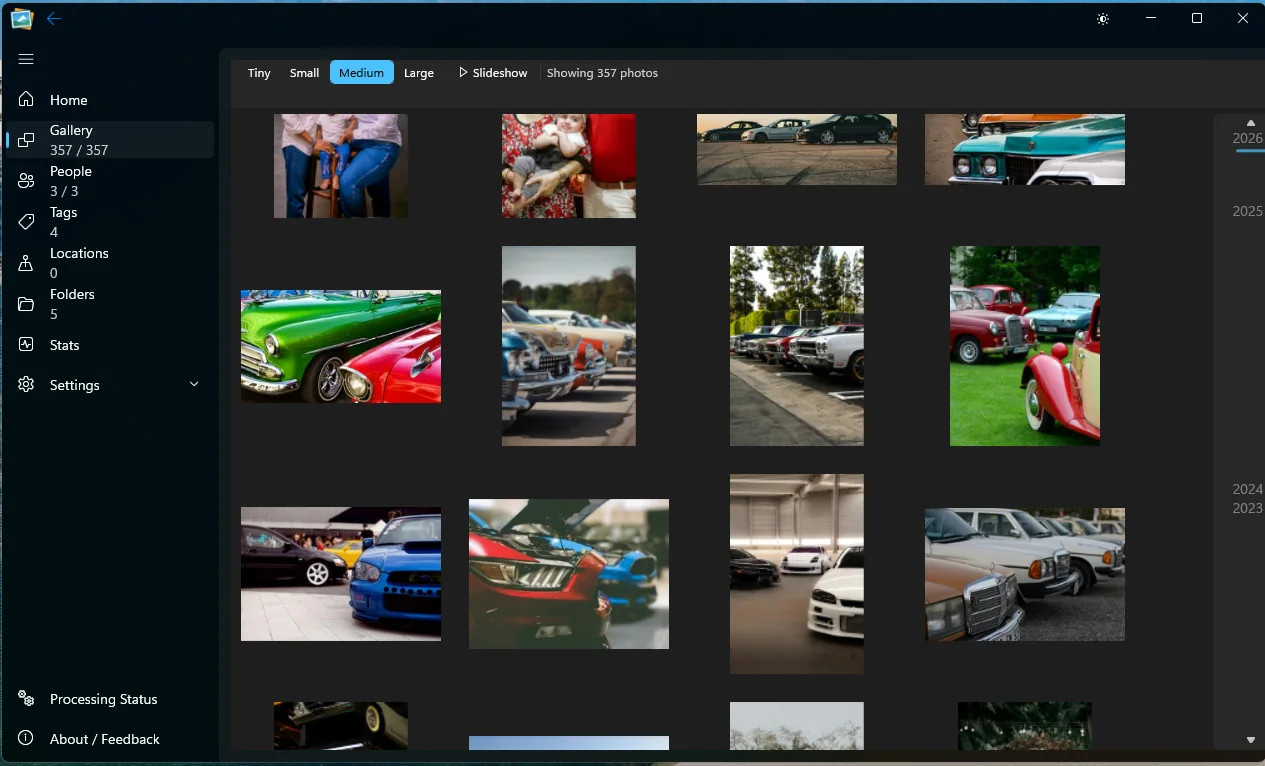
Old JPEGs, new HEICs and RAW files from a proper camera can live in one library. No conversion step before you can browse.
The library view
A proper photo grid, not a feed. Resize from tiny to large, move through years, switch folders and jump between people without waiting for a page to load.
Coming home
When Microsoft retired Windows Live Photo Gallery, it did not erase the organisation you had built. Tags and people names were written into the files themselves. Live Gallery reads them back on the first scan.

For photographers
RAW alongside JPEG. Years of files across drives. A library too big for a phone gallery and too personal to hand to a subscription service. Live Gallery is built for that library.
Built for photographersSimple by design
The beta is free for up to 5,000 photos. When the paid tiers arrive, they will be one-time licences — not another monthly subscription for your own library.
$0
Up to 5,000 images with every current feature included.
Start here$49
Up to 100,000 images for home and personal use.
See what’s included$99
Unlimited images, every current capability, yours to keep.
Compare the tiersPublic beta is free. Paid licences are coming soon; registering interest does not take payment.
Good questions
Yes. Your photos are read from the folders and drives you choose, and the library is built on your PC. The app does not upload your photos or require a cloud account, and normal library use works without an internet connection.
If your tags and people names were written into the photo files by Windows Live Photo Gallery, Live Gallery reads them during the first scan and brings them back into the library. If your metadata came from another tool, what transfers depends on what was written into the files.
The free public beta indexes up to 5,000 images. If you reach the cap, your existing library stays browsable and searchable; only importing new images pauses. The paid home tiers lift the cap to 100,000 images or unlimited.
No. The beta is free, and the planned paid licences are one-time purchases. You buy the version that exists when you buy it, and it continues to work. Bug and security fixes are free; optional future feature upgrades are a separate purchase if you want them.
JPEG, PNG, RAW from major camera manufacturers, HEIC/HEIF, WebP, BMP and TIFF. See the full format list
Yes. Beta feedback is read by the person building the product and directly shapes what gets fixed and built next. If you are reporting a bug, the most useful thing you can include is the steps that make it happen.
A proper home for your library
Download the free beta and point it at a folder. No account, no upload, no waiting for someone else’s server.
Windows 11 · Free 5,000-photo beta · No account needed